Install Ask the Grid from ChatGPT’s plugin directory
Find Ask the Grid in ChatGPT’s plugin directory and connect your account to the same source-aware grid tools and catalog.
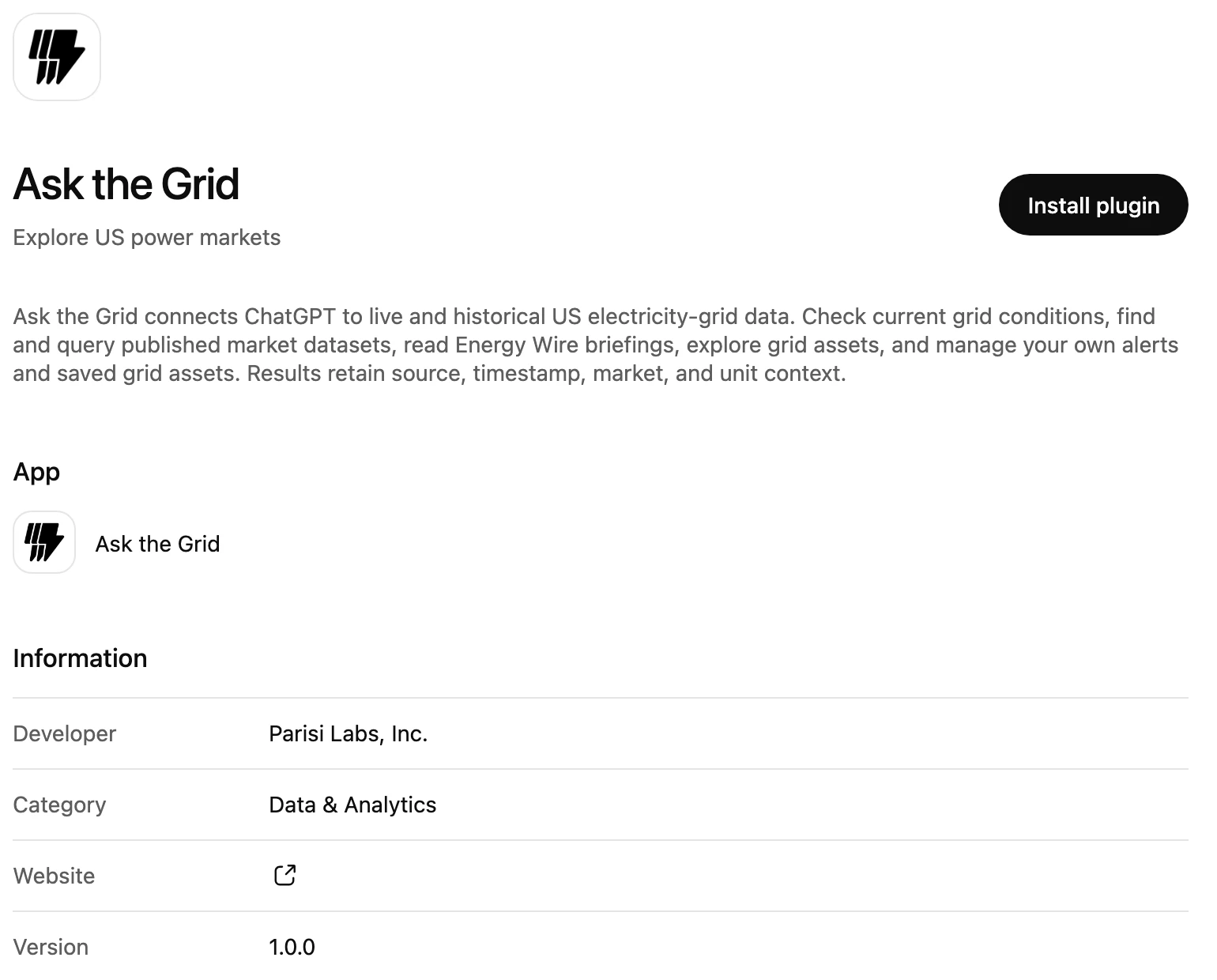
Ask the Grid is now available from ChatGPT's plugin directory. Search for Ask the Grid, open its listing and install it, then sign in with your Ask the Grid account to connect grid research to the conversation you are already working in.
The connection uses the same source-aware catalog and market tools as Ask the Grid. Ask about a grid, inspect the data behind the answer and follow its source links, while the selected market and your account's access remain part of each request.
Find and install the plugin
The directory listing provides a direct installation path. Choose Ask the Grid and connect your existing account; the listing identifies the developer and the grid-data work the plugin supports.
Ask with the market in scope
Connected requests can discover datasets, inspect their schemas and read bounded grid evidence. Market-scoped calls identify the grid they are reading so a New York question is not answered with a Texas series.
Keep your other clients connected
The ChatGPT directory adds another way to reach the existing MCP resource. Claude, Cursor, Codex and other compatible clients continue to use the documented OAuth connection, with account permissions and explicit market scope.