Learn the grid by doing.
14 complete field guides connect every major Ask the Grid workflow to the production screen, source boundary, and next action that makes it useful.
Press / from anywhere in Help to search
Start with what you need to do
Short paths into the most common Ask the Grid workflows.
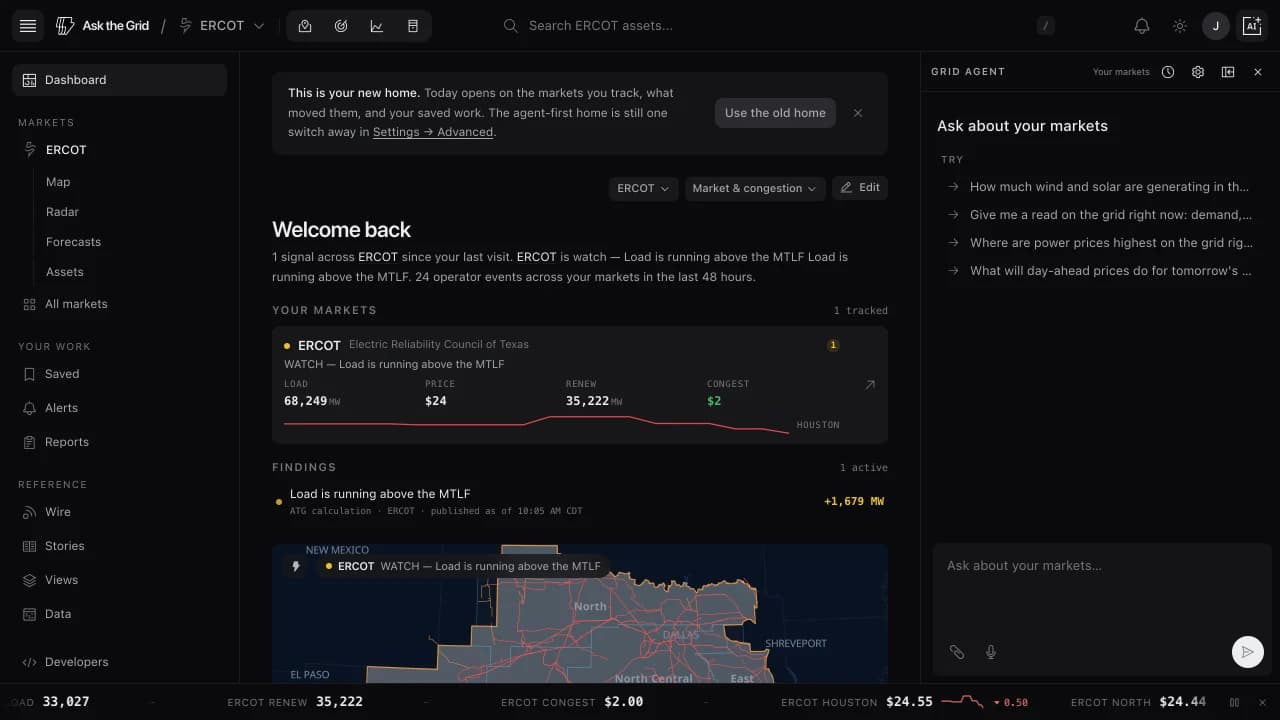 Read today’s gridStart with ranked conditions, then open the Radar evidence behind each one.
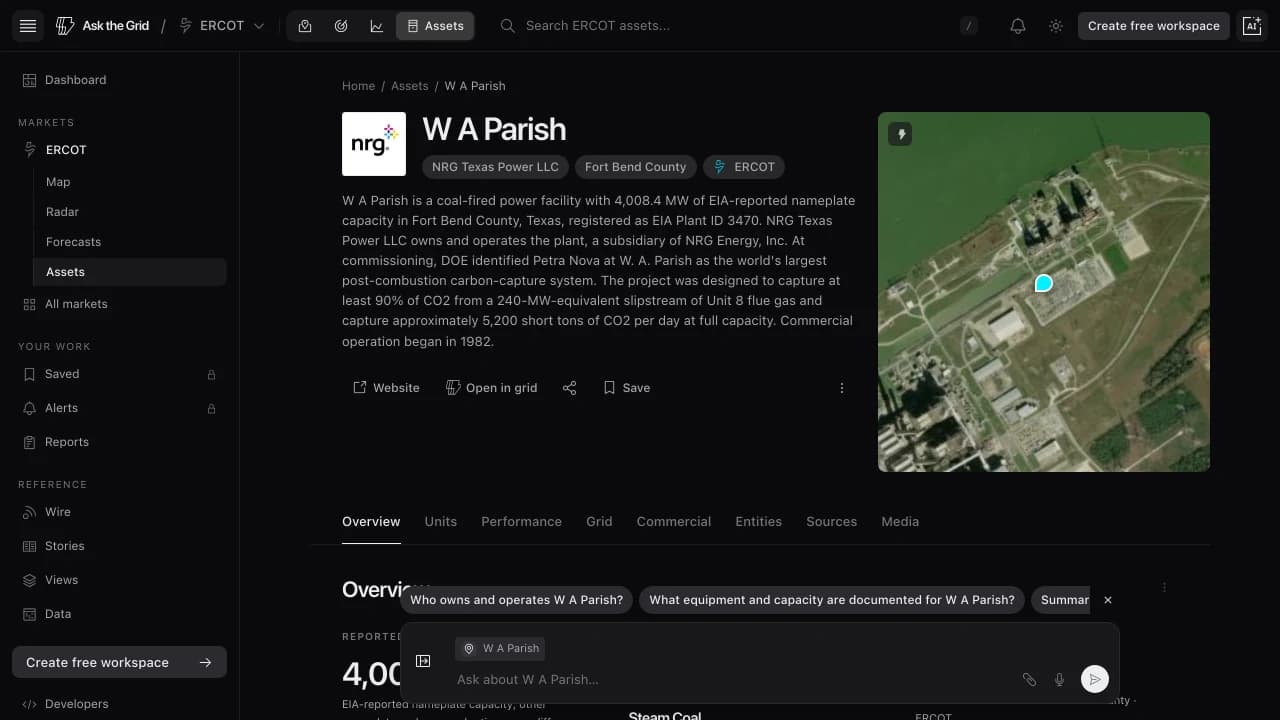 Understand an assetMove from a map selection to its profile, operating history, and peers.
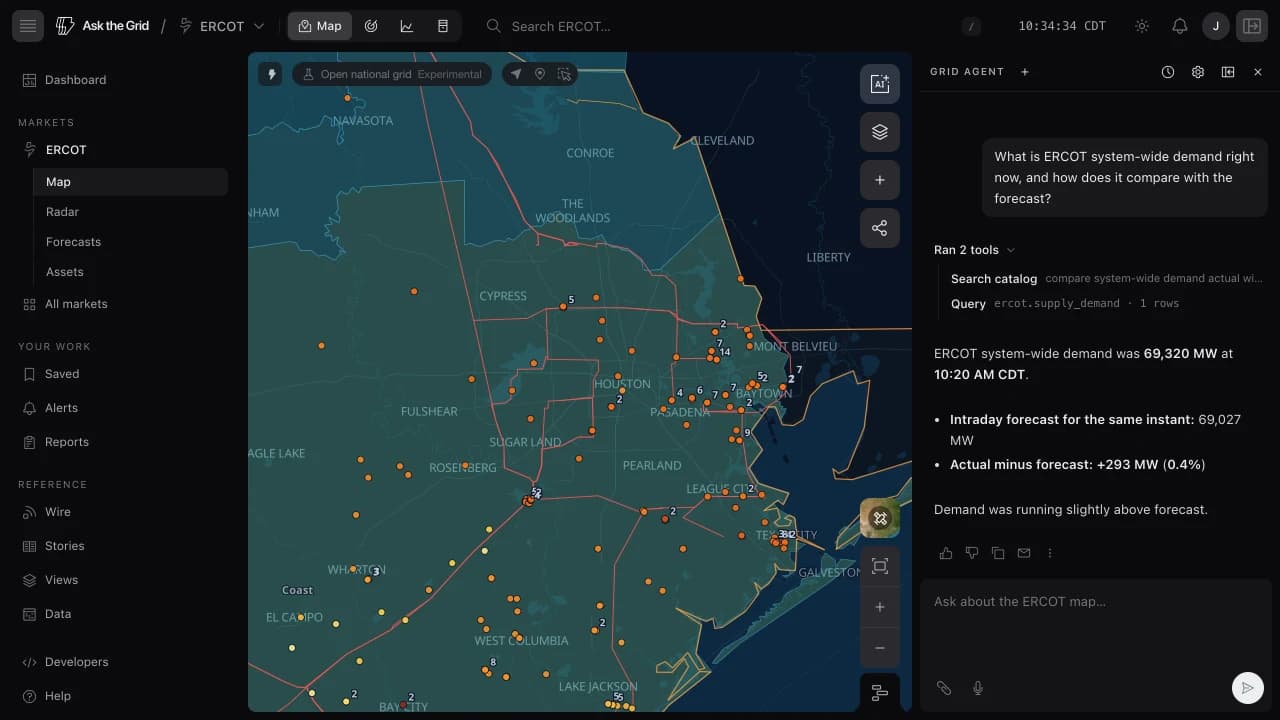 Ask a sourced questionGive the agent grid context, ask your question, and check its evidence.
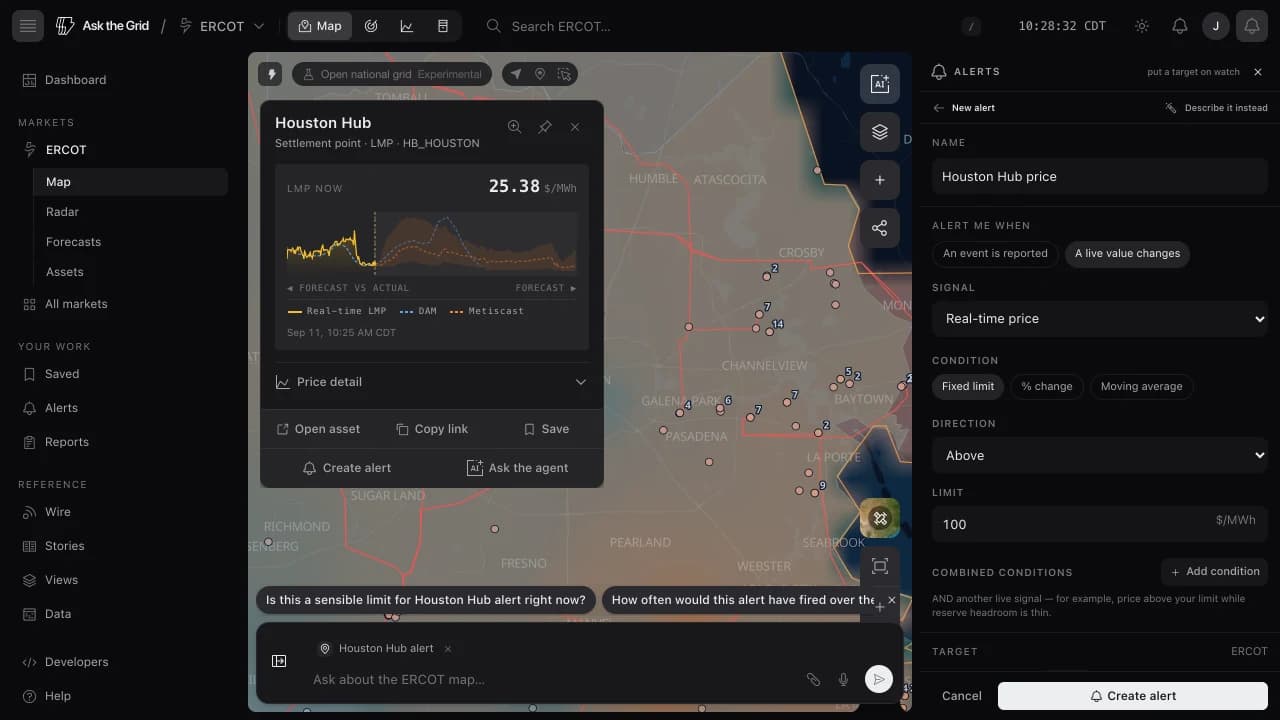 Create an alertStart from a node, asset, Radar widget, pin, or selected area.
Start here
Learn the product, open your first market, and orient each day around current grid conditions and their sources.
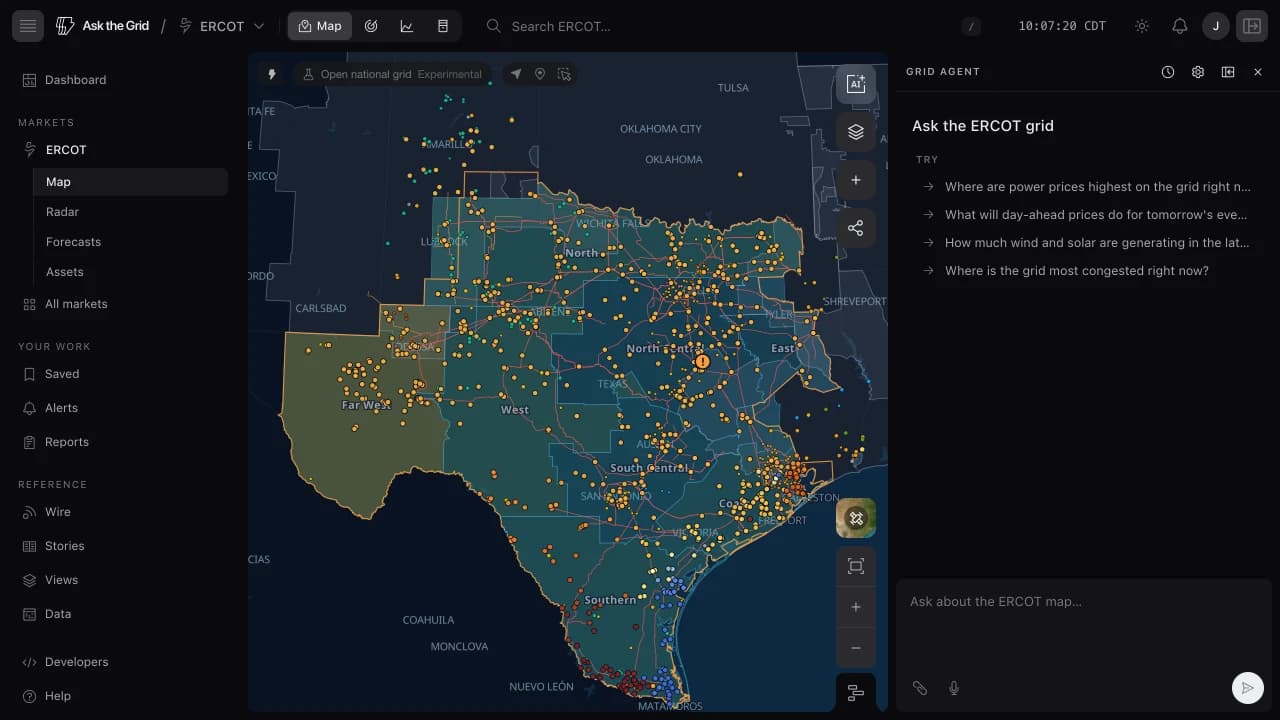 5 sectionsStart with Ask the GridOpen a market, follow one live question to its evidence, and set up the account and keyboard controls you will use every day.12 min read · Public research · Free account for workspace
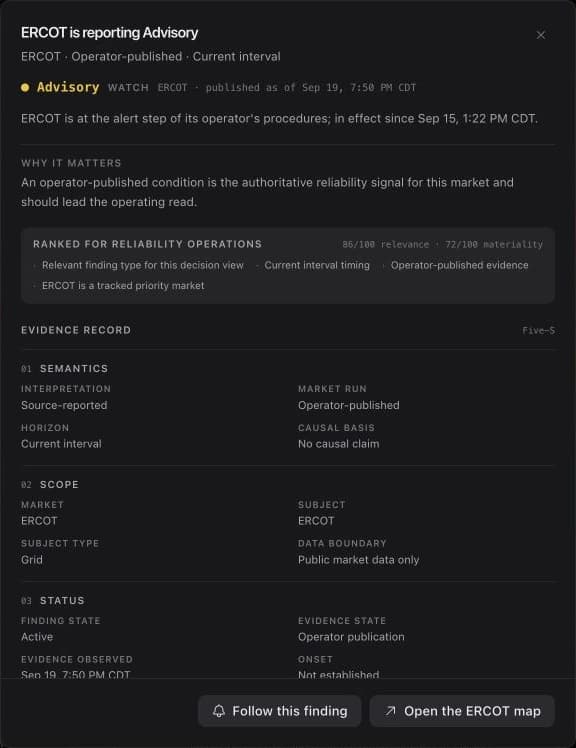 4 sectionsToday & the Energy WireBegin with ranked live-grid conditions, then follow the supporting Radar desk, reporting, and original source.9 min read · Energy Wire first page public · Free account for Today and the full Wire
Explore the grid
Move through markets, layers, time, assets, datasets, and the complete public forecast archive.
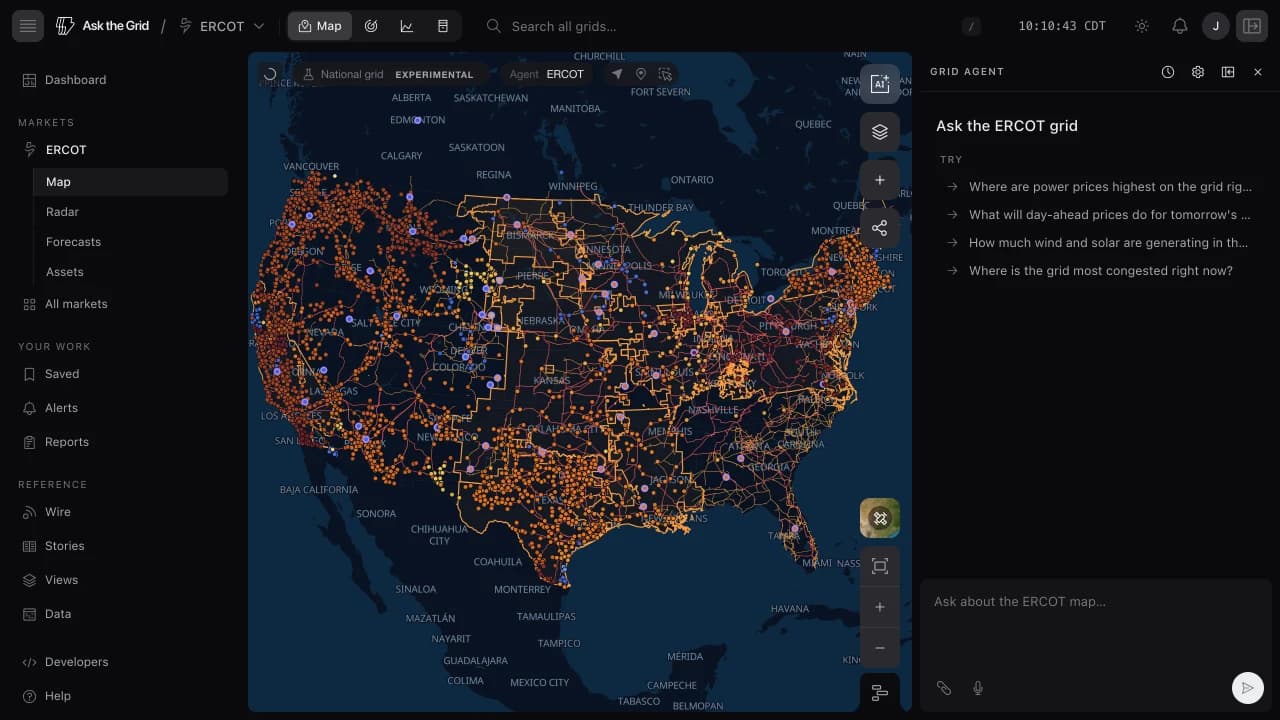 9 sectionsMap, layers & timelineMove between the national grid and one market, combine source-labeled layers, replay time, inspect congestion, and focus the exact assets that matter.13 min read · Free account · Shared links viewable without sign-in
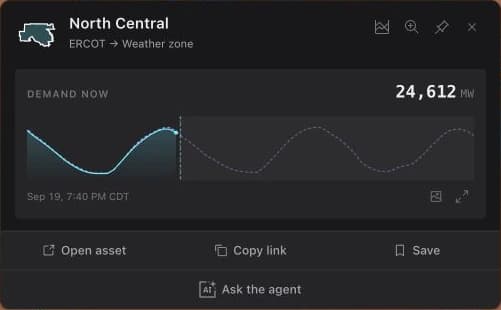 4 sectionsAssets, directories & dataMove from a live map card to a durable asset profile, peer comparison, directory, leaderboard, and the source dataset underneath it.13 min read · 2 detail pages without an account · Free account after
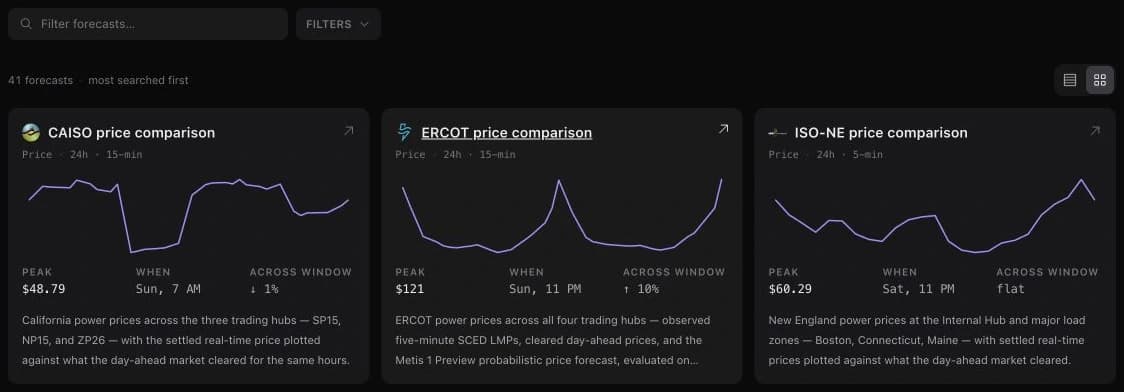 5 sectionsForecasts & the archiveBrowse the public forecast archive, inspect operator-native horizons and sources, read net load, and compare the vintage available then with what happened later.14 min read · Public archive · 2 detail samples · Free account after
Ask and investigate
Turn the active grid into a sourced answer, a market-native operating desk, or a national queue investigation.
6 sectionsThe agentAsk about one market or compare several, inspect sources, attach map context, and continue from any claim or chart.12 min read · Free account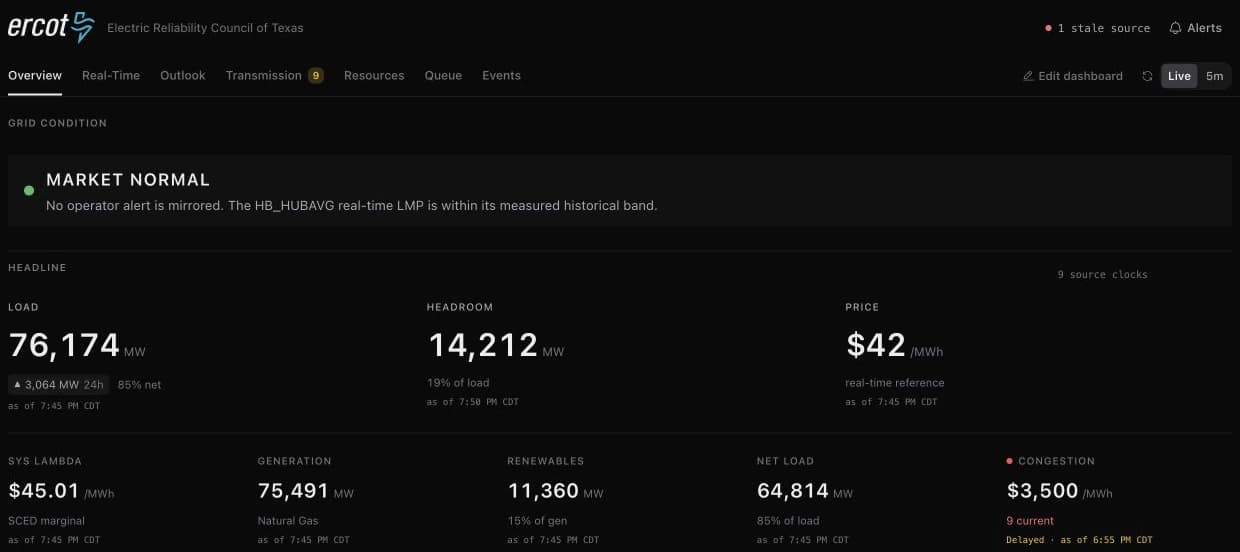 4 sectionsGrid RadarRead a market-native operating cockpit, distinguish live source states, arrange the desks you use, and hand any widget into an alert or investigation.13 min read · Free account
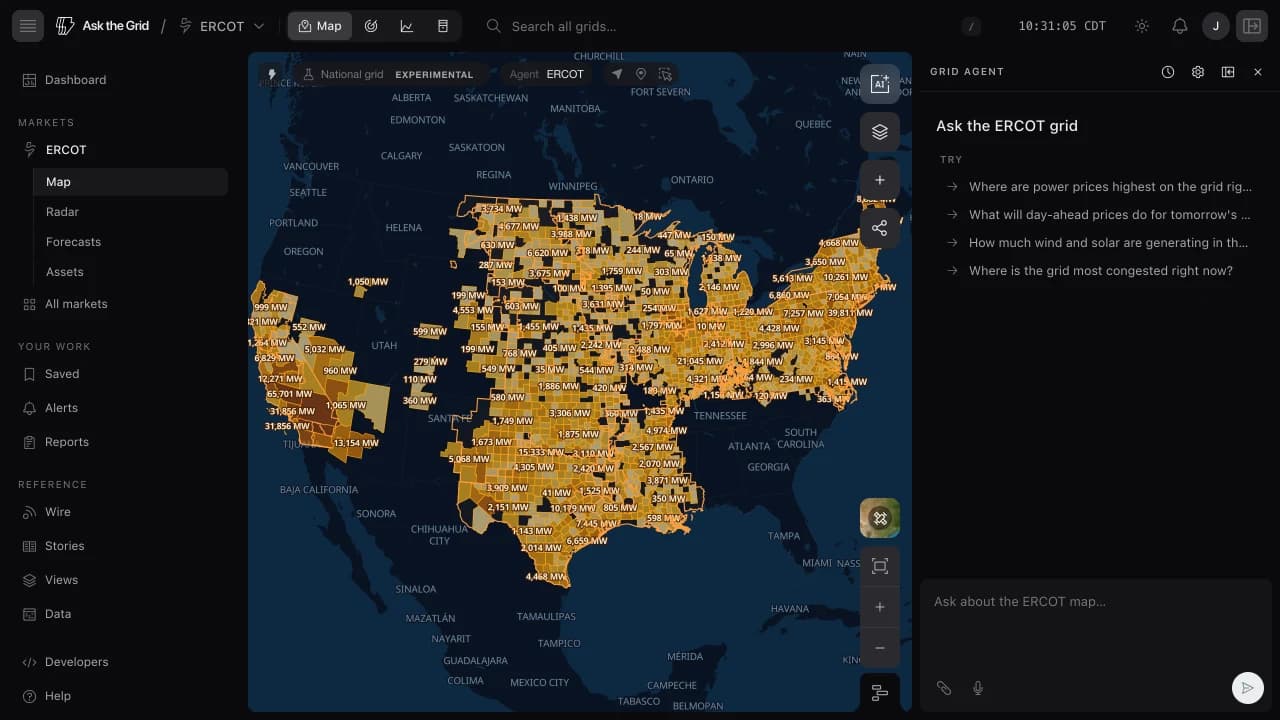 6 sectionsInterconnection queuesCompare official queue publications across the seven organized markets and BPA, then inspect county, project, publication, and history detail without losing source semantics.14 min read · Public queue Views · Free account for the interactive map
Save and monitor
Preserve a useful view, schedule a repeatable brief, share it, and watch the conditions that matter.
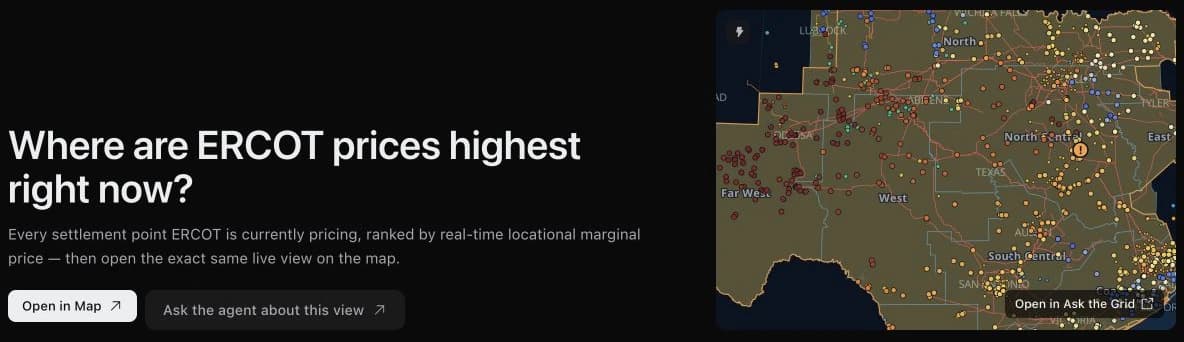 7 sectionsViews, Saved & sharingBegin from a reviewed live View, organize saved items into collections, import an existing list, and share an agent answer, a reproducible map scene, or an embed.13 min read · Free account for Saved, sharing answers, embeds, and downloads
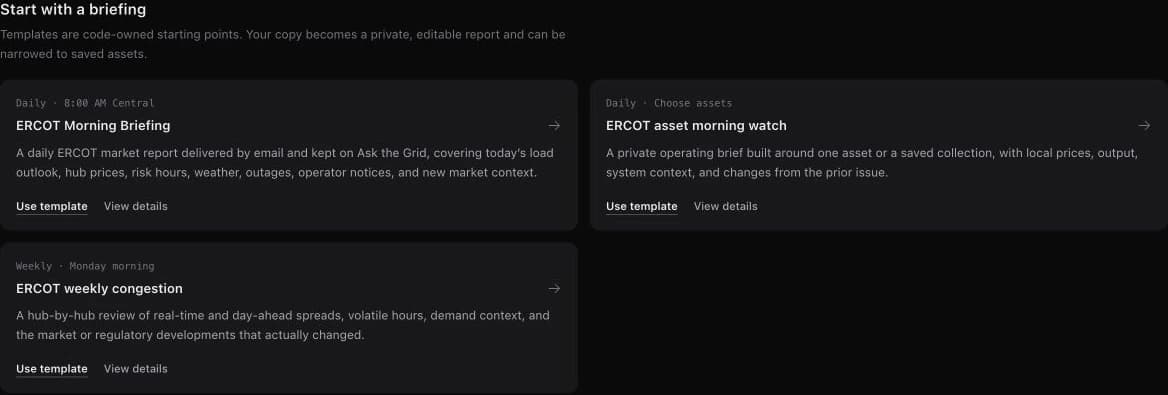 4 sectionsReports & recurring briefingsTurn a market or asset question into a one-time report, a recurring briefing, an email edition, and a durable issue archive.10 min read · Free account6 sectionsAlertsCreate value, event, asset, collection, and geographic monitors, then route them through reusable email, SMS, Slack, or Microsoft Teams destinations.17 min read · Free account
Connect tools and data
Use the APIs, connect an AI client to public market tools, or bring private operational data into an Enterprise workspace.
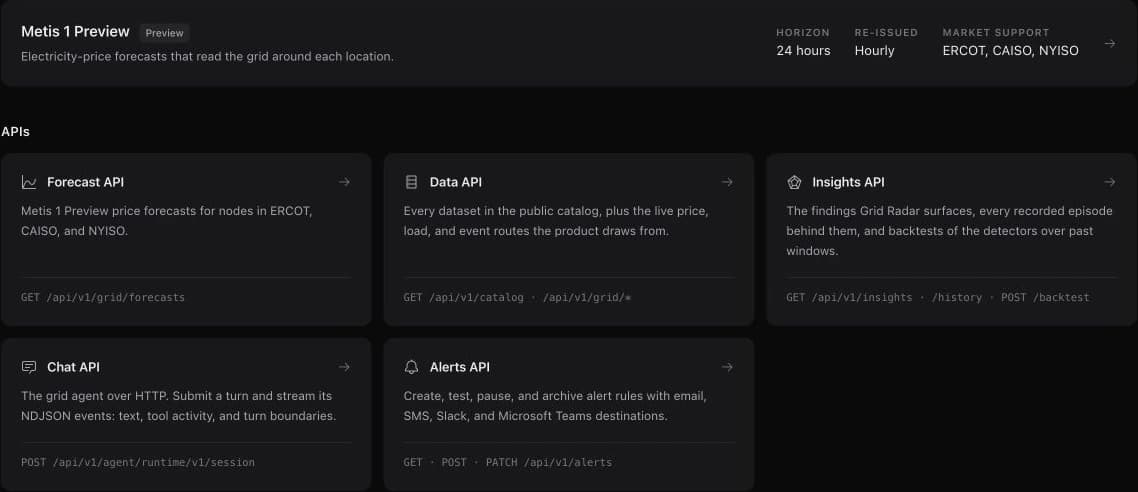 4 sectionsLimited previewDeveloper platformExplore the Forecast, Data, Insights, Chat, and Alerts APIs, the Metis 1 Preview model page, generated reference, API keys, usage, request history, and copyable code.11 min read · Signed-in console · API keys by application
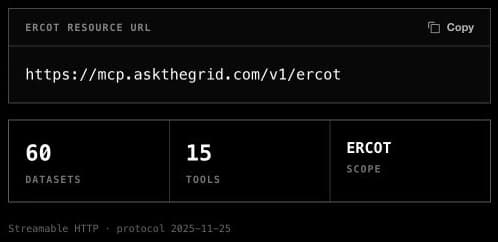 5 sectionsConnect an AI client with MCPConnect Microsoft 365 Copilot, ChatGPT, Claude, Cursor, Codex, or another compatible client to one authenticated power-market resource.14 min read · Free account
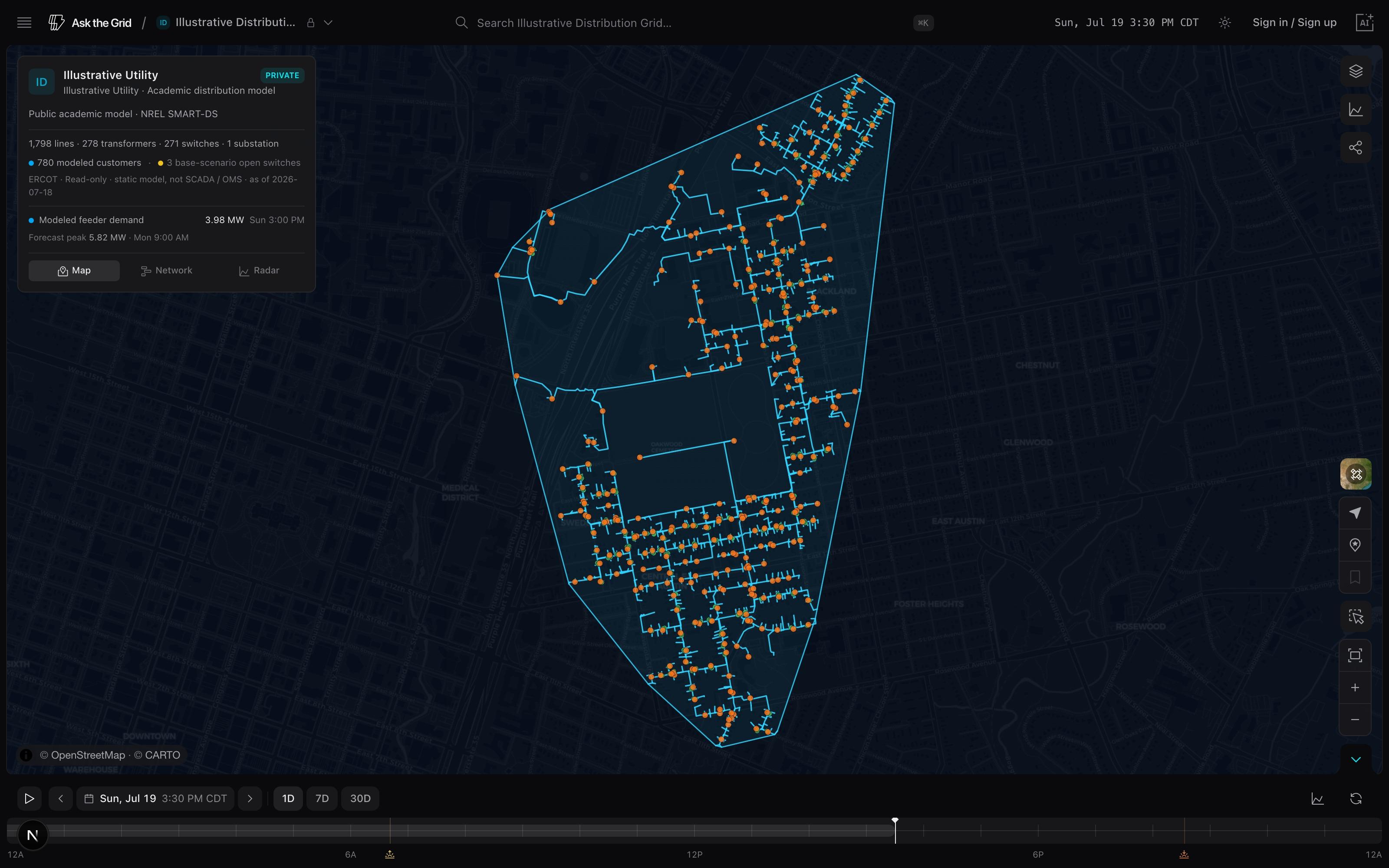 3 sectionsEnterpriseBring your own dataConnect the operational and market systems your team already runs, so the agent and map work over your data, not just public feeds.8 min read · Enterprise
Frequently asked questions
- Do I need an account to use Ask the Grid?
- Asset and forecast directories, market pages, stories, the first page of the Energy Wire, Help Center, and the data catalog work without an account. You can sample 2 unique asset or forecast detail pages; a free account continues through every detail and opens interactive maps, Grid Radar, Today, the full Wire, up to 40 grid-agent questions per hour, Saved views, History, alerts, embeds, and downloads. Shared map links remain viewable without sign-in.
- Which grids are covered?
- ERCOT, NYISO, CAISO, PJM, MISO, ISO-NE, SPP, BPA, and Baja California are live — 9 supported grids, including the seven organized US power markets and the Bonneville balancing area. Surface-specific guides state when a deeper workflow is available for a narrower set.
- Where does the data come from?
- Public sources include ISO market feeds, the U.S. Energy Information Administration (EIA), HIFLD for transmission and substation geography, and weather publishers such as Open-Meteo. Public datasets exposed by Ask the Grid are documented in the data catalog with their source and cadence.
- How do I verify an agent answer?
- Open the agent's steps and source citations, confirm the market, location, unit, interval, and observation time, then inspect the originating ISO report or catalog dataset before using a material claim.