Ask the Grid Platform has its own home
Try APIs, manage keys and integrations, and administer the workspace you use in Ask the Grid and Data.
The developer console now opens at platform.askthegrid.com. Sign in with your Ask the Grid account and choose the workspace you want to use for API requests, model discovery, and integrations.
Platform also brings together the account and organization settings shared by Ask the Grid and Data. Open it from either app to manage access and members for your organization, or to update your own profile, security, and privacy settings.
Try a request before writing code
Open a playground for forecasts, data, or another service and run a request. In Forecasts, you can choose a published output, inspect the chart and response, then copy the request into your own application. The API reference lists the fields each endpoint accepts and returns.
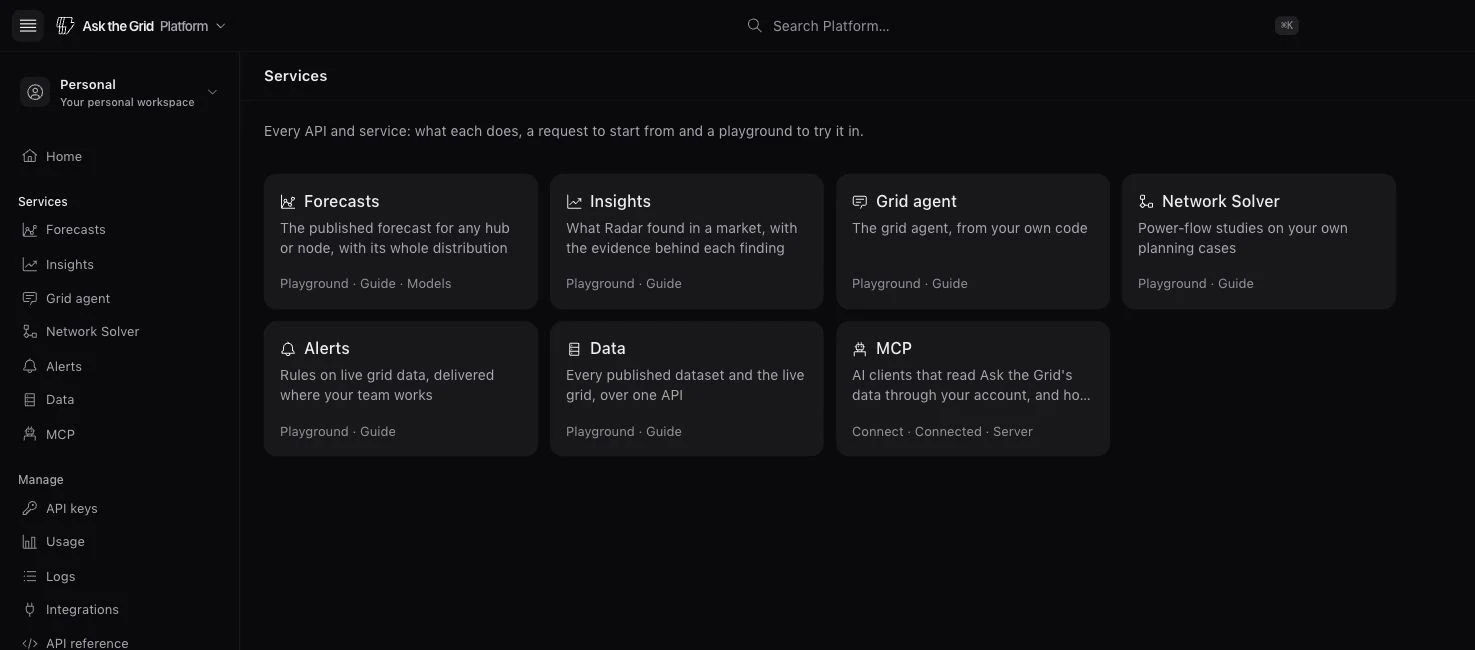
Manage keys and track requests
Create an API key in the workspace where your code will run. Use Usage to check consumption and Logs to find a request ID, check its status, or investigate a failure.
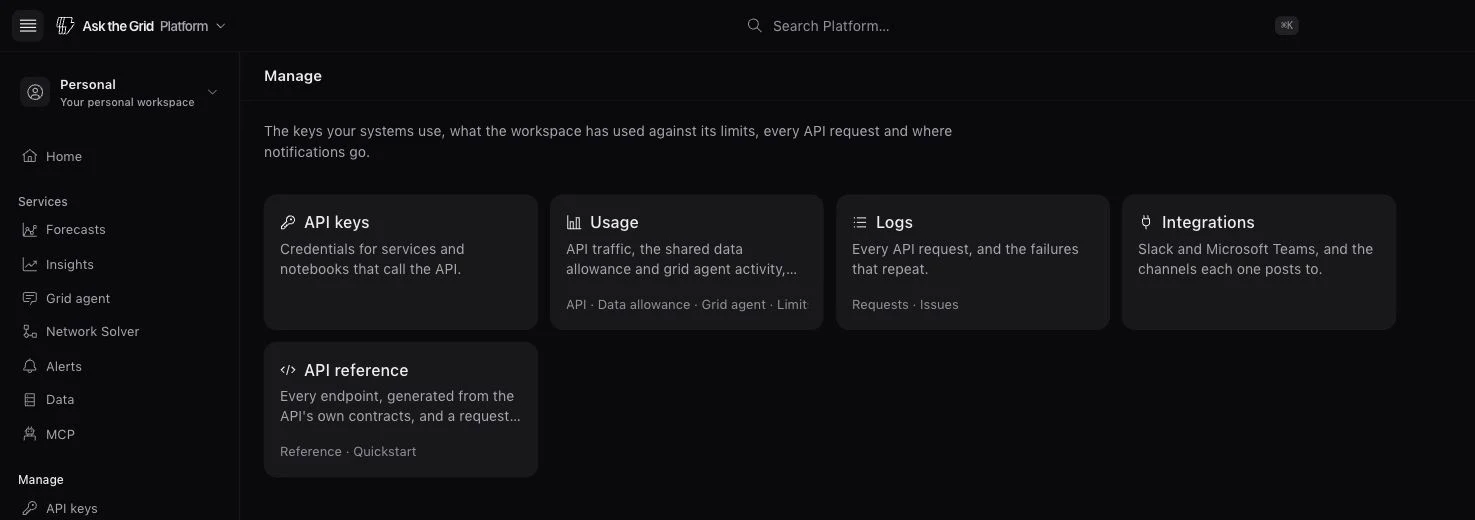
Connect tools and manage access
Open MCP to connect an AI assistant or Integrations to manage your workspace's delivery channels. Use the workspace switcher to move between your personal account and an organization before managing members or shared access. Old links to the developer console and shared settings take you to Platform.