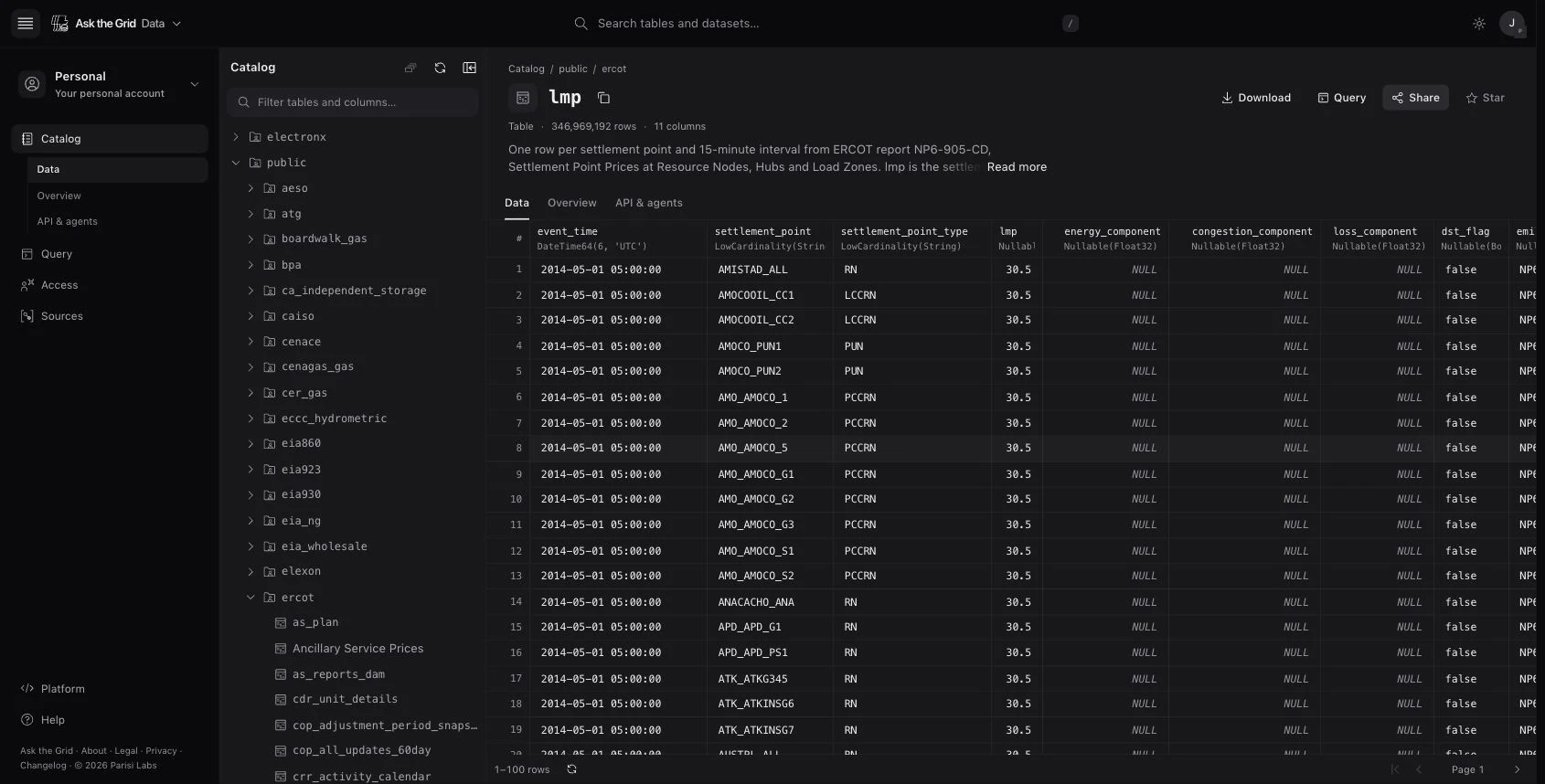
Follow a grid answer to its source in Data
Teams in Data early access can follow a source to its table, inspect the rows, and connect supported sources in their workspace.
When a chart shows an unusual jump or the grid agent cites a number, open the source to see the dataset, who publishes it, and how often it updates. Follow the link into Data to check the columns and preview the rows your workspace can access.
Data brings together public tables, your organization's own datasets, and tables shared with it. Teams in early access can inspect those sources in one place. Workspace owners and admins can connect supported databases, storage buckets, and file deliveries to bring their own data alongside the grid's.
Follow a source from Ask the Grid
Open the source under an agent answer, chart, or Radar widget. Check the publisher and update cadence, then open the table in Data if your workspace has access. The public catalog also shows what the dataset covers.
Inspect the table behind a reading
Open a table in Data to see its column names and types. Sort the row preview to find records for the period you're investigating. Check the source and update cadence before using a reading in your analysis.
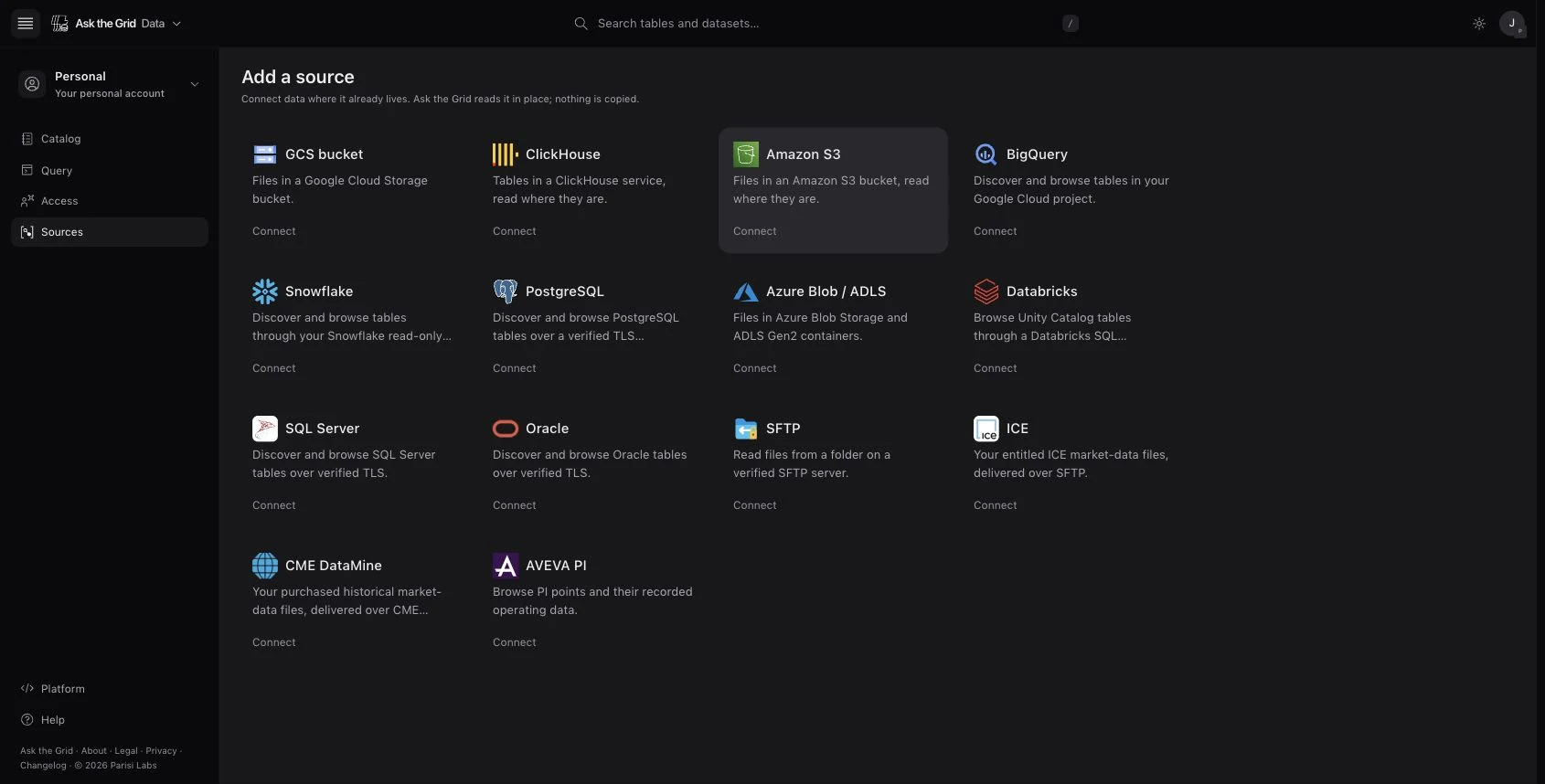
Connect a source your team already uses
In Data, open Sources and choose Add a source. Workspace owners and admins can connect supported systems such as Amazon S3, BigQuery, PostgreSQL, and SFTP. Once Data verifies the connection, browse the tables or files the source exposes.