Set up a condition alert
Choose a target and threshold, check recent history and send the notification where you need it.
- Access
- Free account
- Reading time
- 2 min read
- Updated
- Updated Oct 25, 2026
Use a condition alert for a specific question, such as whether Houston Hub’s real-time price stays above $100/MWh for ten minutes. Save & notify is the quicker option when you want to follow findings or queue changes.
Choose what to watch
Start from the target
Open an item’s Alerts tab and choose Custom condition, or use Create alert on its map card. Describe the location, signal, threshold and duration to the agent, then review the proposed alert. Choose Configure by hand or Configure with wizard if you prefer to enter the condition yourself.
Match the condition to your question
Choose a fixed threshold, a percentage change, a moving average or a normal-range comparison from the options offered. Check the units and lookback. For a spread, the value is the first price location minus the second.
Check how it would behave
Review the evidence
Read the current value and source time. Use Replay history to inspect past crossings. Add a combined condition when both signals matter, such as a high price while reserve headroom is low.
Avoid brief crossings
Set Confirm after when a condition needs to persist before you hear about it. Choose the recovery settings for when it returns to normal. Read the proposed alert’s summary before creating it.
Connect delivery and check the first event
Choose where it arrives
Open Settings → Notifications to add or verify a destination. Connect email, US SMS or an available Slack or Teams channel, complete the setup shown, then select the destination on the alert. Ask your organization administrator to connect a team channel if needed.
Create and follow the alert
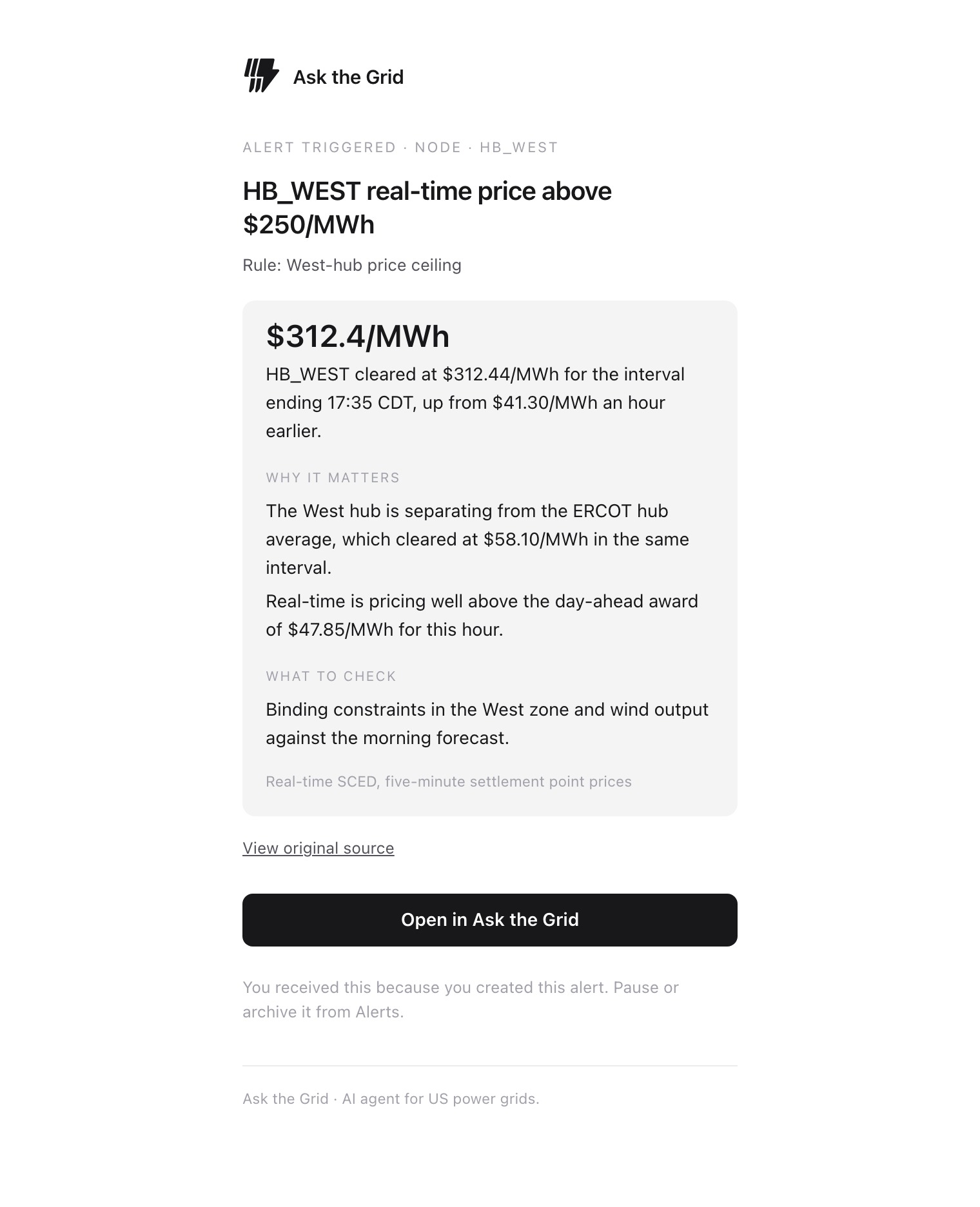
Choose Create alert. Open it from Watchlist → Alerts to check its last reading, event history and delivery result. Open an event to read the source and value that triggered it; use Pause when you want to stop receiving updates temporarily.
Did this guide get you unstuck?
One click is enough. No message or account required.